
Sign in
What this page is for
You use this page to sign in. You type your phone number. Then you type a one-time code. How the code reaches you depends on how your business has set up phone checking. If no code arrives, ask your administrator. Both the web and the Android app work the same way.
When to use it
- You open Vistaar360 for the first time on a computer or a phone.
- You signed out and want to come back.
- The app asks you to sign in again.
Before you start
- Your business must be registered and approved. See Register your business.
- Use the same phone number you gave when you registered.
- Keep the phone with that number in your hand. Your administrator can tell you how the code is sent.
- You need an internet connection to sign in.
Steps
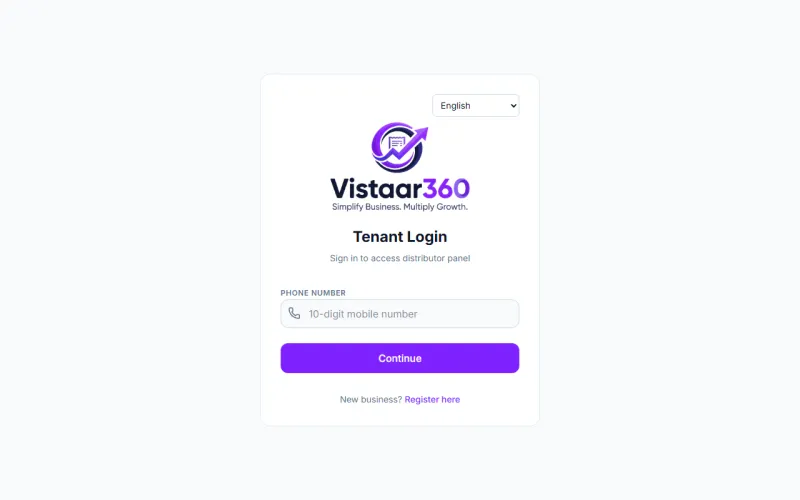
- Open the Vistaar360 web page. The Tenant Login screen opens.
- Click in Phone number. Type your 10-digit mobile number.
- Click Continue.
- Wait for your code. Type it in One-Time Password. It has 6 digits.
- Click Verify & Login.
If you typed the wrong number, click Back to phone number and start again.
On the phone app
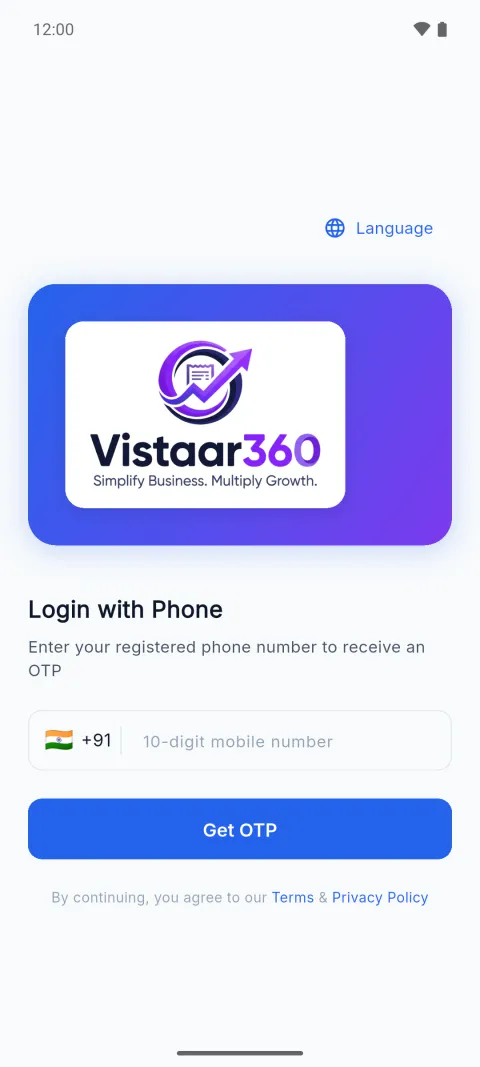
- Open the app. The Login with Phone screen opens.
- Tap the box that says 10-digit mobile number. Type your number. The app adds +91 for you.
- Tap Get OTP.
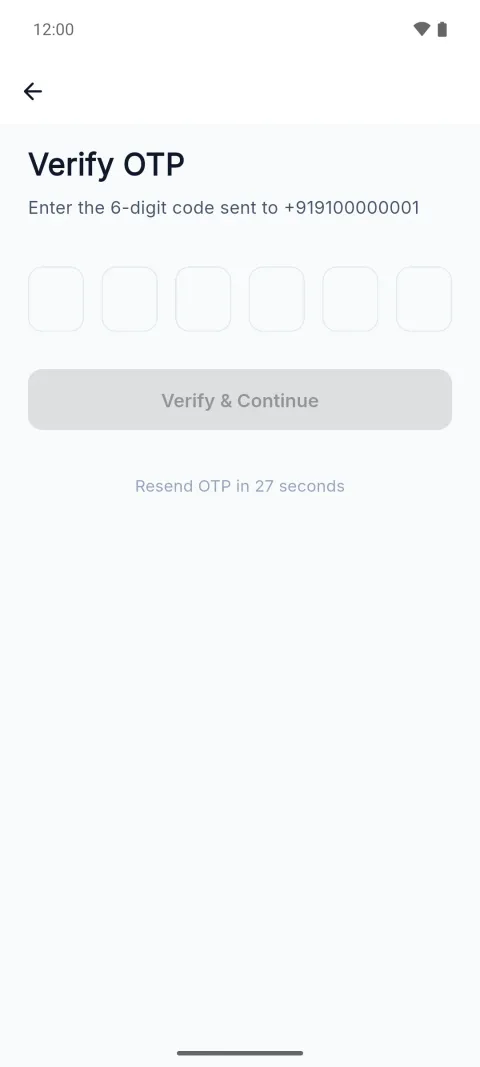
- Wait for the 6-digit code. Type it in the six boxes.
- Tap Verify & Continue. It stays grey until you have typed all six digits.
To change the language first, tap Language at the top right of the first screen.
Check it worked
On the web, the Business dashboard opens. On the phone, the Home screen opens with a greeting and your name.
Common mistakes
- No code arrives. Check the number. Wait for the timer on the code screen. It says Resend OTP in some seconds. When it ends, tap Resend OTP. The app then says the code was sent again.
- “Incorrect code. Please try again.” You typed a wrong digit. Type the six digits again.
- “Code expired. Please request a new one.” The code is too old. Tap Resend OTP and use the new code.
- “Too many attempts. Please try again later.” You asked for too many codes. Wait, then try again.
- “Your business is waiting for approval.” You registered but nobody has approved the business yet. Try again after approval.
- “Your registration was not approved.” or “This business account is suspended.” Contact support.
- Wrong number. Type the 10 digits only. Do not type 0 or +91 first. Both the web page and the app add +91 for you.
Questions
Why is there no password? Vistaar360 uses your phone number and a one-time code instead. There is no password to forget.
What does OTP mean? It is a one-time code that proves the phone number is yours. See the words used in Vistaar360.
Can I sign in without internet? No. You sign in once with internet. After that the phone app can keep working without it. See Check what is waiting to send.
Related pages
Checked against the app on 2026-10-19 (version 6a6df7a)